Visual AI interaction
Cursor just gave developers a smarter way to tell AI what to fix: point at it
Cursor's updated Design Mode lets engineers and designers modify UI by clicking elements, drawing on the page, or speaking changes aloud, while the AI agent extracts element identity, styles, and layout context to edit code. The approach accelerates iteration by aligning the model's pace with how humans spot and act on visual issues.
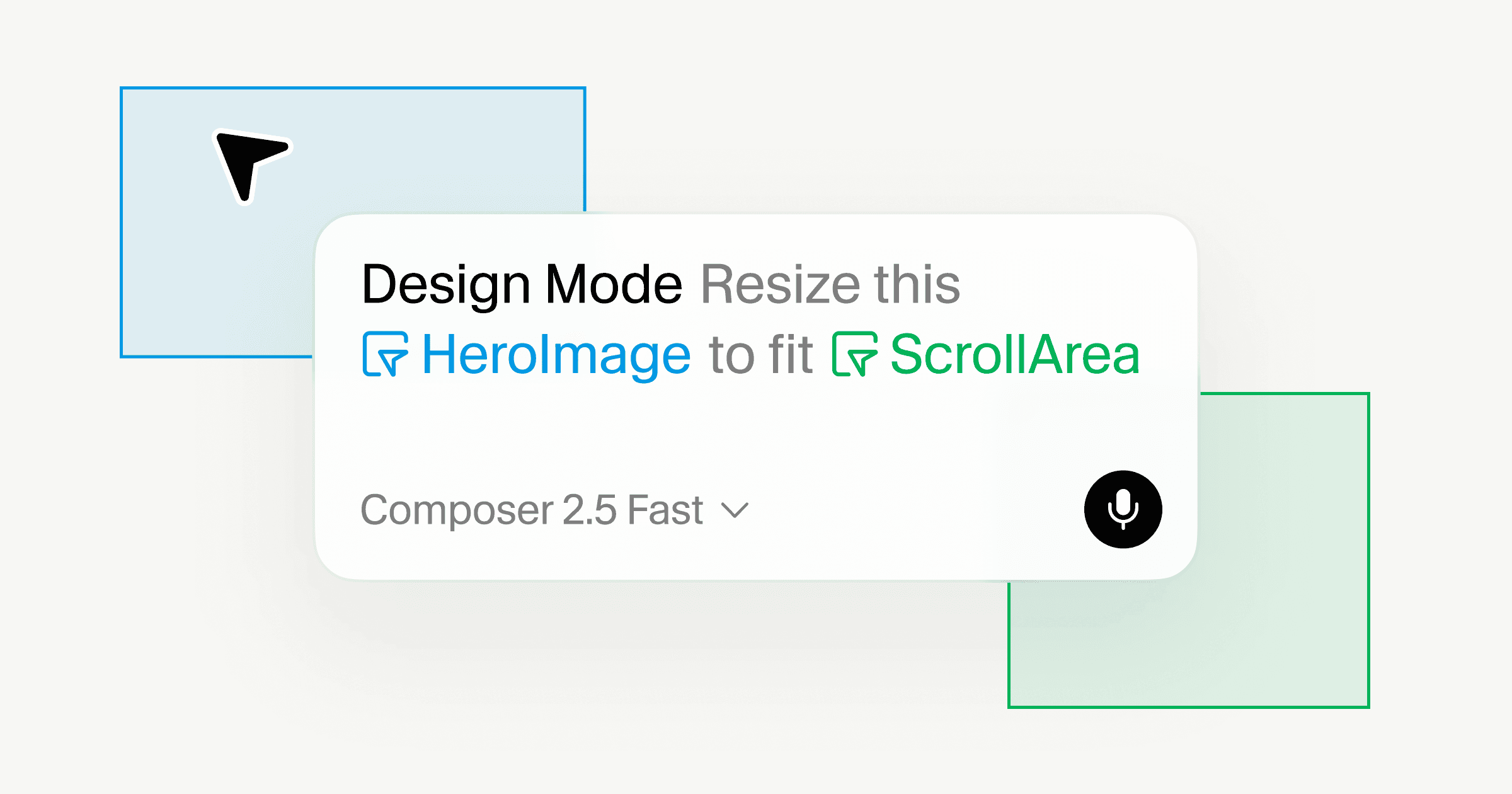
Cursor has updated its Design Mode with visual interaction tools that let developers point, draw, or speak modifications directly on a live browser view of their product. The update aims to reduce the friction between what a human sees on screen and what an AI agent understands about the underlying code. The hidden tax on vibe-coded projects that shows up…
From chat to spatial dialogue
Chat remains the dominant interface for AI coding agents, but design work is spatial. Designers, product managers, and frontend developers communicate through annotations: pointing to specific elements, areas, or page states. Cursor's Design Mode formalizes this. Instead of describing a change with text alone, the user identifies the visual target on the page, and the agent extracts the corresponding code context automatically. Microsoft's bet on small models for agentic AI is about…
When the user selects an element, the agent gets two signals: the element's identity, xpath, component name, attributes, computed styles, fiber tree props, and a screenshot for spatial context, layout, surrounding elements, and exact page state. The agent uses those signals to find the source and apply the change.
Three input methods for one intent
Design Mode offers several ways to communicate intent:
- Select one or multiple elements. This enables changes that depend on component relationships, aligning elements, removing duplicated content, or adjusting a group together.
- Draw on the page to mark a region, encircle a section, or frame an animated area. The annotation overlays a frozen image of the viewport, so the agent sees the exact page state at the moment of the instruction.
- Speak a modification. Voice commands let the user describe the change while selecting the visual target.
Pointing and narrating together mirror how teams already review designs in pull requests or collaborative design tools. But now the loop between spotting an issue and applying the fix is shortened because the model operates directly on the running product.
Matching the model to the workflow
Design Mode is built for a multi-task flow. A user can point to an element, describe the change, move to another part of the page, and submit another modification before the previous one finishes. Cursor runs multiple sub-agents in the background, hot-reloading the application as each task completes. Parallel agents aren't about speed. They're about…
Cursor recommends Composer 2.5 for this workflow, calling it both fast and effective for UI work. The model's ability to make targeted, scoped changes fits the rapid iteration pattern Design Mode enables.
"We believe the future of software development will enable users to fluidly move between higher levels of abstraction and lower-level details, staying in a state of flow when they want," the company wrote in its announcement.
Implications for frontend development
Visual annotation as a control mechanism for AI agents may seem like a small UX improvement, but it shifts how developers interact with coding models. Traditional agent interfaces rely on the user's ability to articulate code changes in natural language. That works for functional changes but is imprecise for visual adjustments, describing a 4-pixel spacing change or a specific box shadow requires either measurement or screenshots the agent can parse.
By giving the agent both the element identity and its spatial context, Cursor reduces the ambiguity in visual change requests. The user does not need to translate a spatial observation into text. The annotation itself carries the meaning.
Spatial interaction as a new paradigm
Design Mode is not the first tool to offer visual feedback loops for AI coding. GitHub Copilot's workspace and Replit's Ghostwriter have experimented with context windows that include file trees and in-editor selections. But Cursor's approach differs in two ways: it operates on the live, running product rather than code in a file tree, and it treats the browser view as an editable surface where the user's visual input is parsed into structured signals for the agent. Cursor's team marketplaces get MCP servers and…
This spatial, annotation-based workflow may prove valuable for teams where non-developers, designers or product managers, initiate or review frontend changes. If a designer can circle an area on the browser view and say "make this section narrower" without opening a text chat, the barrier to delegating code changes to an agent drops significantly. AI agents can't finish a Java migration without the…
Whether this reduces the number of handoff rounds between design and engineering, or simply shifts the bottleneck, depends on how reliably the agent interprets annotations and how comfortable teams become with agent-driven UI modifications. Cursor's update bets the answer is more visual and less textual.
Design Mode is available now in the Cursor agent window. The company has published documentation for the Browser feature and made the latest version of the editor available for download.