AI IDEs
Cursor 2.0 made the IDE an agent-first environment. The developer becomes a reviewer.
Cursor 2.0 introduces a purpose-built interface and the Composer model, designed to work with AI agents rather than alongside a human typist. This review breaks down what changed, how it performs, and why it may redefine the developer's role.
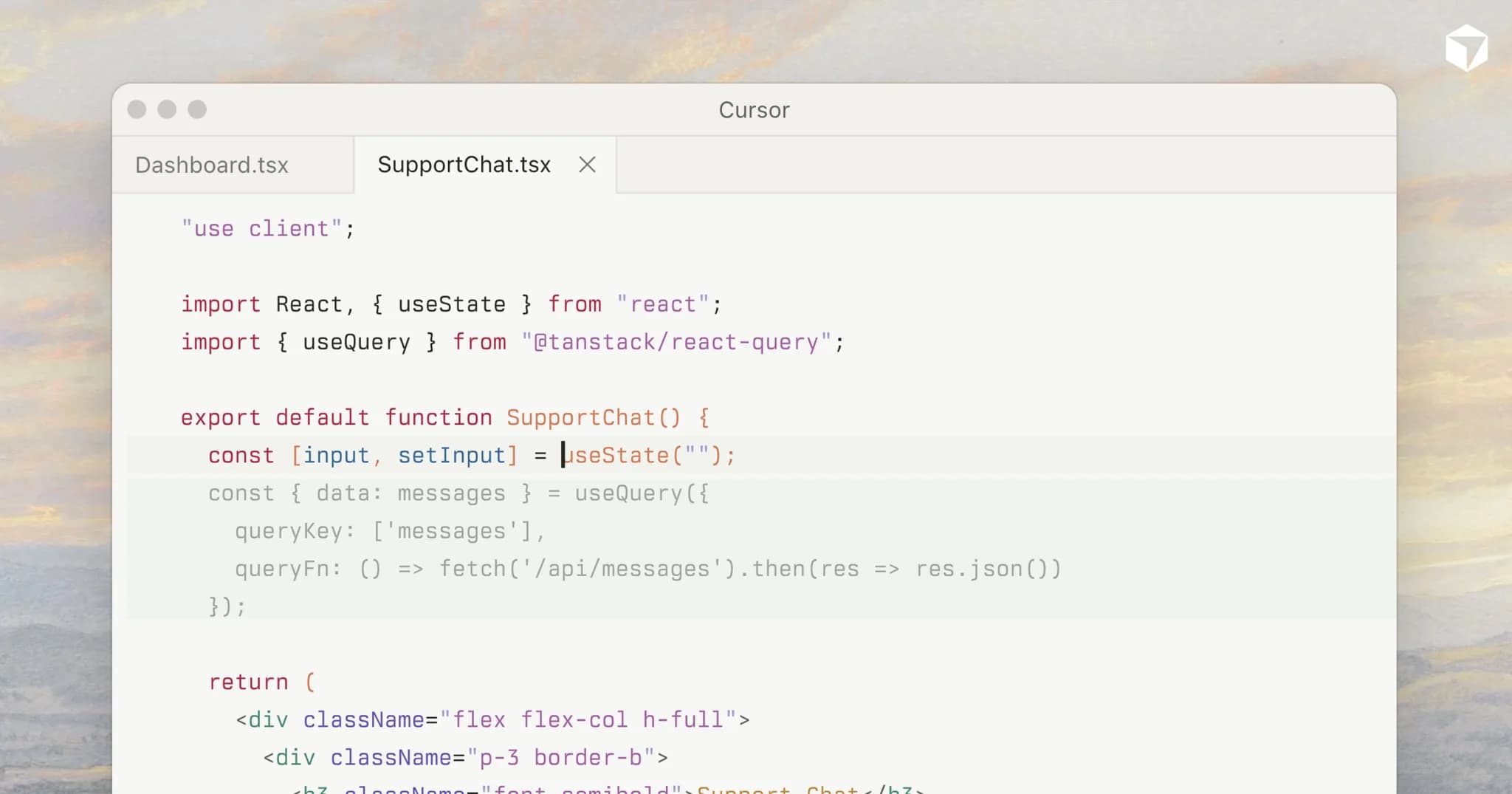
A new kind of editor
Cursor has been the darling of vibe-coding for months, but version 2.0 is not an incremental polish. The company stripped the classic IDE metaphor, file tree, text buffer, terminal, and replaced it with a canvas organized around agent tasks. The left sidebar no longer shows files; it shows active agents and their context windows. The editing pane is less a page and more a conversation log where code is a byproduct of a natural-language dialog. The hidden tax on vibe-coded projects that shows up…
The change is stark. Opening Cursor 2.0 for the first time, I felt the same disorientation I felt switching from a command line to a GUI. The muscle memory of opening a file, scrolling, and editing is gone. Instead, you tell the agent what you want, and it shows you the diff. The question is whether that trade-off gains more than it loses.
Composer: the first agent-native model
The headline feature is Composer, the first model trained specifically for agentic code generation rather than autocomplete or single-turn chat. According to Cursor's benchmarks, Composer outperforms GPT-40 and Claude 4 Sonnet on SWE-Bench and HumanEval by measurable margins. In practice, what stands out is its ability to maintain coherence across long editing sessions. It does not forget the directory structure, the project's naming conventions, or the constraints set three conversations ago. Kimi K2.7 Code is faster and cheaper. But open-source… Cognition's new coding agent scores near frontier…
I tested it on a medium-sized Django project with a messy ORM layer. I asked Composer to refactor the models, add a migration, and update the admin views. It took four commands. The generated code compiled on the first run, and the migration didn't lose data. That level of reliability is new.
What the interface gives up
Cursor 2.0's interface is opinionated. The traditional file explorer is buried. The terminal is still there, but Cursor expects you to run commands through the agent. For existing Cursor users who manually edit code and use the agent only for boilerplate, this shift may feel like a downgrade. The company is betting that the agent should own the keyboard and the human should own the strategy.
That bet has consequences. I found myself losing touch with the fine-grained control I had in Cursor 1.9. When the agent generates a wrong import path, correcting it through dialog is slower than directly fixing the line. The undo stack behaves differently. The agent manages its own version of history, which occasionally conflicts with the file system's undo. 600 files, one command: what moonshot.ai's refactor…
Benchmarks and reality
On controlled benchmarks, Composer looks impressive. But real-world coding is not a benchmark. I ran the same project through Cursor 2.0 and through Claude 4 Sonnet in a traditional chat interface. Composer won on speed and consistency for tasks that span multiple files. It lost on edge cases: when I needed to inject a very specific piece of logic that required deep domain knowledge, the agent over-generalized and I had to intervene more than with a chat-based model.
Cursor acknowledges this and positions Composer as an "agent that works with you, not for you." The distinction matters. The tool is designed for iteration, not delegation. Microsoft's bet on small models for agentic AI is about…
The bottom line
Cursor 2.0 is the strongest argument yet that the IDE is becoming an AI-run environment where the developer acts as a reviewer and architect rather than a typist. It sacrifices the old granularity for a new kind of throughput. Developers who enjoy the tactile act of writing code may resent it. Developers who care about output will likely adopt it.
For teams shipping production software, Cursor 2.0 is worth the learning curve. For solo tinkerers who like to control every character, the older paradigm still has a place. This release is not an improvement on the old IDE; it is a different product entirely. The editor's job is not dead. It just got harder