The real production test of AI coding agents
600 files, one command: what moonshot.ai's refactor says about AI agents at work
The moonshot.ai visual refresh became a practical test of Kimi Code CLI in production. From tracing dependencies to matching Figma specs and catching integration risks, the agent handled consistent, cross-file work. The lesson: for breadth-heavy tasks, an AI coding agent can cut iteration loops significantly, but only when grounded in project-specific context and connected to the right data sources.
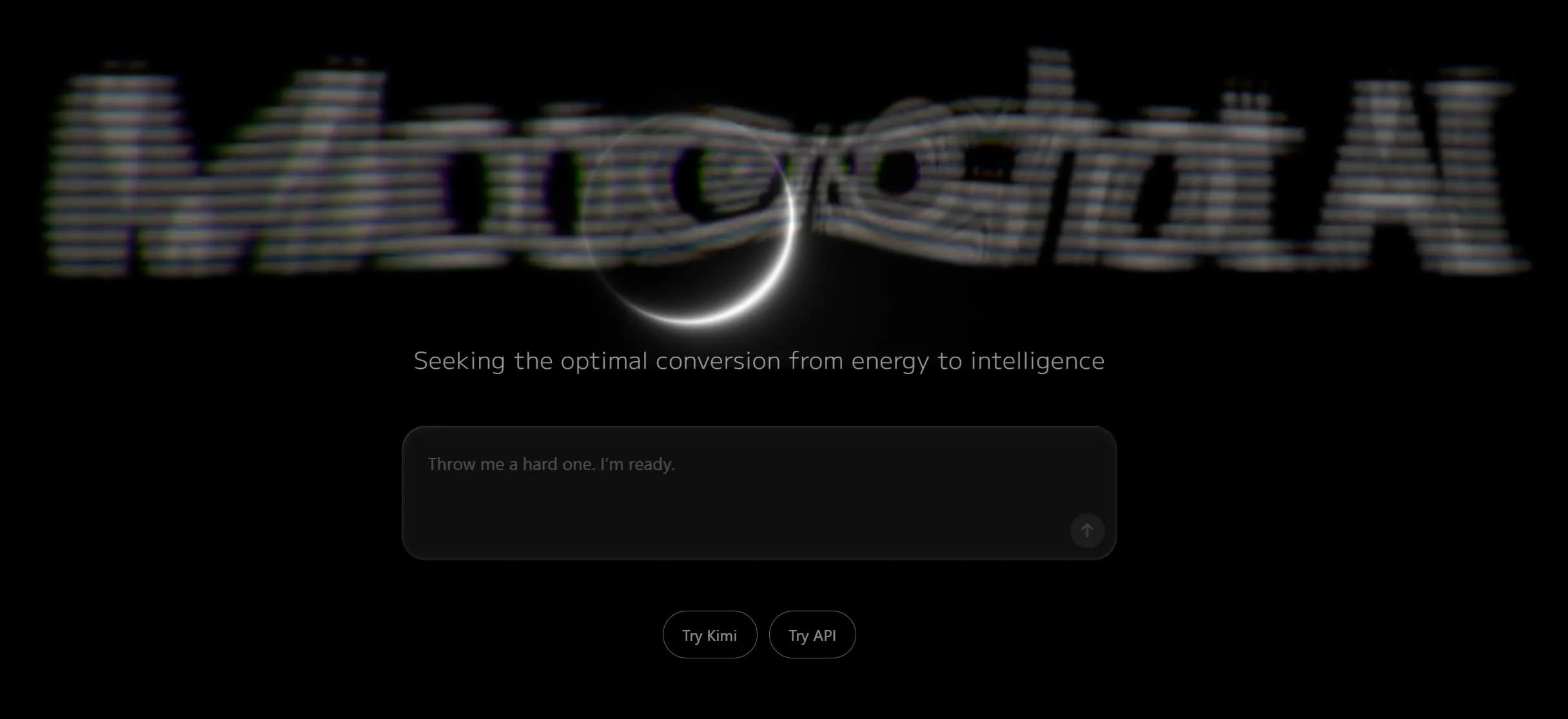
In March 2026, moonshot.ai rolled out a new look. The changelog read like a designer's wish list: fresh color palette, tighter typography, updated motion. Behind the scenes, the work was anything but glamorous.
The refresh touched shared components, design tokens, routes, and interactive layers across the entire site. No single edit was algorithmically hard. The challenge was breadth. Knowing what every change touched and making sure nothing slipped. That kind of work is exactly where an AI coding agent can earn its keep, or burn through its budget on noise.
Moonshot's engineering team used Kimi Code CLI, powered by Kimi K2.5, as the primary assistant for this refactor. The project ran on a production codebase with real constraints: no demo sandboxes, no cherry-picked tasks. The results, published in a detailed post-mortem, offer a grounded look at what a terminal-based agent actually does well, and what still demands a human in the loop.
The core insight: breadth over complexity
The moonshot refresh was not about rewriting core logic. It was about tracing shared tokens, updating components, checking interactive behavior, and making sure analytics and accessibility survived. Individually trivial. Collectively, exhausting.
The team's first move was not to write a prompt. They ran /init to generate an AGENTS.md file, then spent about an hour refining it: what was in scope, what could not change, how the project was structured, how builds worked. They also added a rules file for naming, spacing, and contrast.
That upfront investment paid off. Without project-specific context, an AI agent tends to produce reasonable but generic outputs. With it, the agent's behavior aligned closer to a teammate who already understood the codebase.
How the agent was actually used
Six distinct workflows defined the refactor. Each targeted a specific phase of the production process, not automation for its own sake, but reduction of uncertainty.
Trace dependencies before touching code
Before editing anything, the team asked Kimi Code CLI to read a target area and list what depended on it. A button color change, for instance, could ripple through hero sections, download CTAs, hover states, and shared tokens. Getting that map first made edits predictable and reduced surprise breakage.
Match code to Figma specs
Using a Model Context Protocol (MCP) connection with Figma, the agent pulled design tokens, layout data, and typography directly from the design tool. Component-by-component comparison became a structured process: hero, navigation, product sections, footer. The agent produced property-level change lists by matching styles against design tokens and layout values. Most differences were small (spacing, border radius, font weight), but the agent surfaced larger inconsistencies where components that should have shared variants had drifted apart over time.
Research new interactive behavior
The refresh introduced features not present in the existing codebase: a custom cursor, a runtime-driven hero, hover-playing illustration cards, and scroll-triggered entrances. For each one, the team loaded documentation and repository state into the same session. Kimi K2.5's large context window let the agent reason across implementation and references in one pass.
Questions were practical: should hover animations complete or cancel on exit? Does the cursor state interact with the hero canvas? What breaks when multiple layers overlap? Keeping design intent and code in the same session made those answers faster to reach.
Check weight and performance
The refresh introduced a new typeface, more motion, and additional assets. The agent adapted the existing font subsetting script, verified output, and helped interpret Lighthouse reports early. The goal was not to optimize everything at the end; it was to make keep-or-cut decisions while changes were still small.
Trace integration risk before merging
Multiple interactive layers (entrance animations, cursor, hero canvas) shared ordering and pointer behavior. The agent traced potential interaction conflicts across batches of diffs, flagging cases where a change in one layer could break another. Cross-browser and cross-OS differences added another dimension.
Structured code reviews via a custom Skill
The team wrote a Skill, a rules file that tells Kimi Code CLI how to evaluate a merge request end-to-end. The agent read the diff, traced affected files and components, checked for design system violations (raw color literals, spacing off the grid, missing accessibility fallbacks), assessed risk by area, and generated a structured report with findings grouped by severity.
Every PR during the refresh went through this pass before review completion. The output always included an intent recap, severity-ranked findings with evidence, and concrete action items. Issues such as hardcoded URLs next to shared constants, analytics fields that needed alignment, and mobile interaction edge cases surfaced here, caught before they reached a reviewer's inbox.
What surprised the team
Three patterns emerged that were not obvious at the start.
Spec-to-code got faster than expected. With Figma MCP and Kimi Code CLI in the same thread, dimensions and design tokens arrived as structured input. Iteration loops per section shrank. Property-level changes and fixes often landed in a single pass instead of bouncing between tools.
Research prompts paid off more than anticipated. The refresh relied heavily on long, doc-driven passes through runtime documentation and reference implementations alongside the repository. Keeping these materials in the same session as the code often proved as valuable as the edits themselves.
The review Skill turned small inconsistencies into a manageable list. Hardcoded URLs, analytics alignment, mobile edge cases. Most were minor individually, but easier to address once grouped into a single pass. Long threads stayed cheap to resume via kimi, continue and /compact commands, avoiding context rebuild each morning.
The dividing line: who does what
The team is explicit about the division of labor: they made the decisions, reviewed every change, and validated the final result. The agent handled repetitive tracing, comparison, and initial review work. That distinction matters because it defines the practical boundary for AI coding agents in production workflows.
For cross-file refactors, design-to-code verification, and large-scale consistency work, this approach proved useful. The agent eliminated the grinding part (the part where a human would have to keep 600 files in their head and compare each deviation mentally). But it did not replace the architect, the reviewer, or the person who signs off on the final experience.
For teams considering a similar workflow, the lessons are clear: invest in project context upfront, connect a source of truth early (Figma, CMS, internal API), and keep design intent and code in the same loop. The agent amplifies consistency across breadth. The human owns the decisions that matter.