AI spreadsheet agent review
Kimi Sheets writes actual Excel formulas. Most AI tools just tell you how.
Kimi Sheets is an AI agent that turns plain-language instructions into finished spreadsheets, with real formulas, pivot tables, charts, and smart formatting. Unlike chatbots that only give advice, Kimi Sheets directly edits the file.
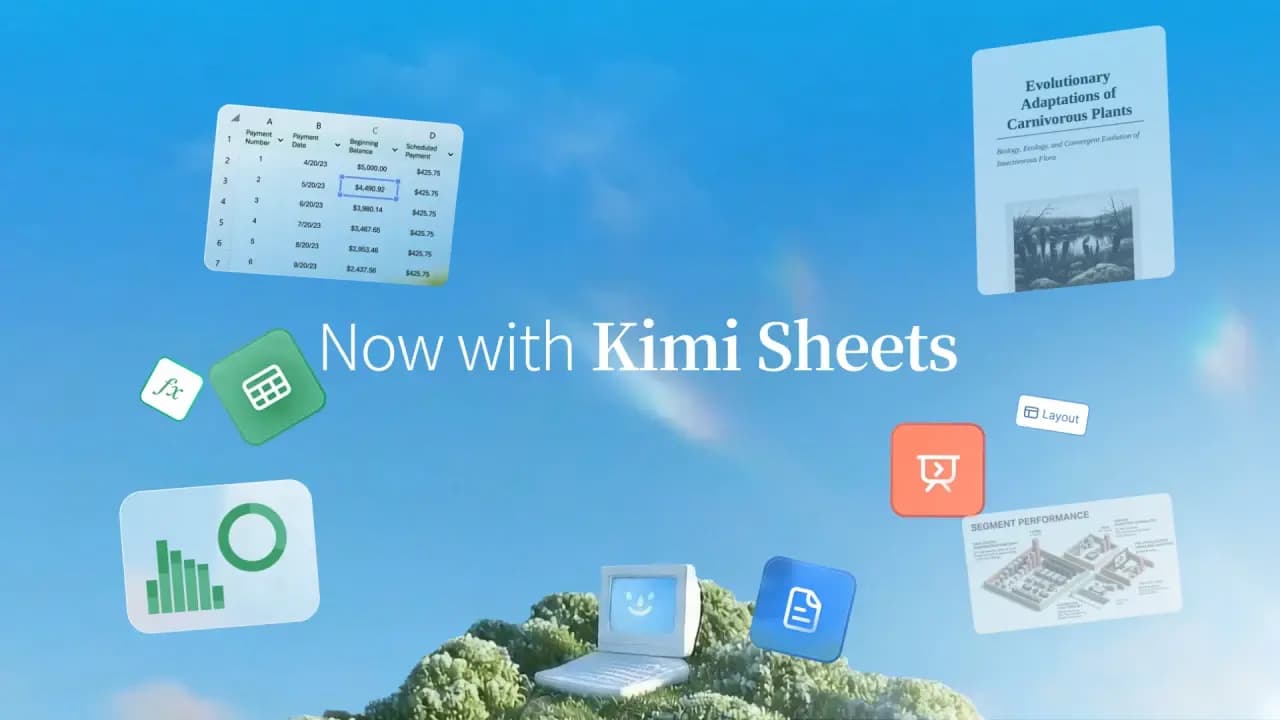
The spreadsheet market is flooded with AI assistants that claim to make Excel easier, but most of them stop at advice. Ask ChatGPT to create a VLOOKUP formula and it prints the syntax. You still have to type it in yourself, test it, and debug it. Kimi Sheets, developed by Moonshot AI, actually writes the formulas, builds the tables, and formats the cells in a real Excel file you can download and open.
That distinction matters. Kimi Sheets is not a chatbot that talks about spreadsheets. It's an agent that acts inside them. The product lives both as a standalone web app and as an integration within the broader Kimi AI ecosystem. It tries to bridge the gap between natural language instructions and finished, production-ready Excel workbooks.
What makes Kimi Sheets different from other AI Excel tools
The core difference is execution. Most general-purpose AI models can explain how to build a pivot table or debug a formula, but they cannot touch the file itself. Kimi Sheets functions as an agent that directly manipulates Excel's internal structure. When a user types 'create a pivot table summarizing sales by region and quarter,' the agent generates the pivot table inside the file and returns a downloadable spreadsheet with the work already done.
This agentic approach extends to multi-sheet logic. The tool supports cross-sheet references and linked formulas, so a value changed in one sheet automatically propagates through the entire model. For users who build financial models, budget trackers, or data dashboards, this connected behavior eliminates the fragile manual linking that often breaks after a single cell edit.
Formula generation and data cleaning
Kimi Sheets generates native Excel formulas from scratch: basic SUM and AVERAGE, XLOOKUP, complex nested IF statements, and array formulas. In testing, the formulas are syntactically correct and ready to evaluate, not approximations or pseudo-code. The agent also handles data cleaning tasks: removing duplicates, standardizing date formats, trimming whitespace, and flagging inconsistent entries. Users can say 'clean this dataset' and the agent applies a set of sensible defaults or follows explicit instructions. MiniMax launches M2.7 model with strong software…
Data fetching is another capability. The agent can pull data from external sources, including public financial databases and academic datasets, and feed them directly into the spreadsheet. Users can also upload their own CSV or JSON files and ask Kimi Sheets to restructure the data into a properly formatted Excel table. how-ai-article-generators-are-reshaping-content-production
Visualization and dashboard features
Beyond numbers and formulas, Kimi Sheets generates charts: bar, line, scatter, and pie, styled with professional visual defaults. The tool also offers what it calls 'pixel-level art and coloring.' Users describe an image and the agent renders it as pixel art within the spreadsheet. That feature may seem playful, but it has practical applications in dashboards and reports where color-coded visual cues or custom graphics add clarity. MiniMax launches Hailuo 2.3 video model with enhanced…
The dashboard feature allows for filtering and drill-down interactivity, making the output more than a static table. Users can build live dashboards that update when underlying data changes. This targets power users who need ongoing reporting rather than one-off exports.
Target audience and use cases
Kimi Sheets is pitched at four main user groups: accountants and bankers, data analysts, project managers, and sales and marketing professionals. For accountants, the value proposition centers on speed and accuracy: a DCF model or audit-ready financial statement that would normally take hours can be built in minutes. For analysts, the tool automates the grindy part of the workflow: data ingestion, cleaning, and basic structuring. That frees them to focus on pattern recognition and higher-level insights. Project managers get fast timeline charts and organized file structures. Marketers get presentation-ready visuals instead of raw data tables.
The product claims a 90% reduction in spreadsheet creation time, 3x more productive workflows, and 25+ hours saved monthly on data maintenance. Those are promotional claims, not independently verified benchmarks, but they reflect the tool's ambition to capture a meaningful portion of the time users currently spend on manual spreadsheet work. the-1115-problem-when-ai-writing-challenges-become-a-test-of-editorial-integrity
Accuracy and safety considerations
Accuracy is the critical question for any AI tool that generates executable code, and Kimi Sheets is no exception. The agent builds formulas logically and keeps all sheets connected, but users should still verify the output, especially for complex financial models where a single error can cascade. The company acknowledges this implicitly by noting that every output is fully editable, allowing users to adjust formulas and values as needed.
On the safety side, Kimi Sheets applies encryption and access controls to protect uploaded data. The company says it follows data-minimization and retention practices designed to reduce exposure risks. For enterprise users handling sensitive financial or customer data, those claims will need to be backed by independent audits or compliance certificates. The product page does not address that gap. Anthropic's jailbreak severity scale is a proposal that…
Limitations and open questions
The main limitation of Kimi Sheets is that it outputs .xlsx files. It does not edit existing spreadsheets in-place via a plugin or add-in. Users describe what they want, the agent builds a new file, and they download it. For users who need to modify an existing workbook with hundreds of sheets and complex existing logic, the current workflow requires exporting the workbook, describing the changes to the agent, and then re-integrating the new output. That is less seamless than a dedicated Excel add-in that directly modifies the active workbook. Ifbench: the new benchmark testing AI instruction following
Another open question is the accuracy ceiling for very large or very unconventional datasets. The tool performs well on structured tables and standard financial models, but edge cases with non-standard date formats, mixed data types, or deeply nested conditional logic may require human intervention. The company's FAQ acknowledges this indirectly, stating that the agent is 'highly accurate' for reports, analysis, and structured Excel tasks. That wording leaves room for ambiguity on unstructured workloads.
Final verdict
Kimi Sheets is a genuinely useful tool for anyone who spends significant time building spreadsheets from scratch. Its agentic approach, actually writing formulas and building structures rather than just explaining how, sets it apart from the majority of AI Excel helpers on the market. The chart generation, dashboard functionality, and data fetching features add real value for power users.
The product is not a replacement for deep Excel expertise, nor does it claim to be. What it does well is accelerate the mechanical parts of spreadsheet work: formula entry, data cleaning, table formatting, and chart creation. For professionals who need to produce clean, functional spreadsheets quickly, and who are comfortable reviewing AI-generated output before distributing it, Kimi Sheets delivers on its promise.