AI Agents
Cursor just turned your iPhone into a serious coding machine
Cursor's new iOS beta app lets developers launch AI coding agents from anywhere, using cloud VMs or by remotely controlling their desktop. Live notifications and direct PR merging from the phone aim to turn mobile devices into serious development tools.
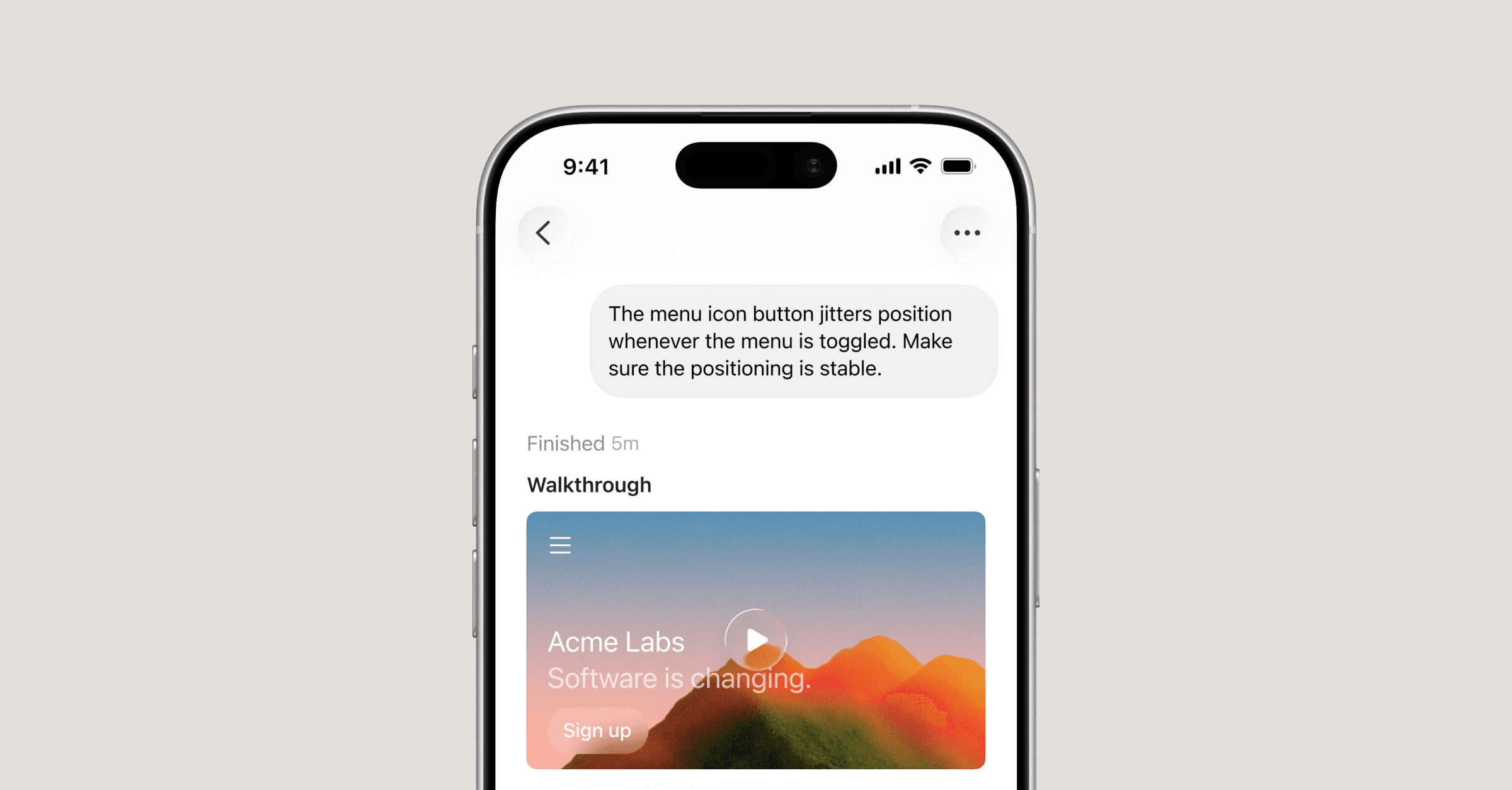
For years, the mobile developer's toolkit has been limited to reviewing pull requests, triaging tickets, or at best, a quick terminal session over SSH. Cursor is now challenging that constraint with a native iOS app that brings its AI coding agents to your pocket.
Announced today as a public beta, Cursor for iOS lets developers launch agents on cloud VMs or remotely control agents running on their desktop machines, all from an iPhone. The app includes live notifications via iOS Live Activities, voice input for agent instructions, and the ability to review diffs, merge PRs, or view generated artifacts like screenshots and logs without returning to a laptop.
Two modes for mobile development
The app offers two execution paths. Cloud agents run on isolated VMs with full development environments, capable of iterating autonomously on tasks until PRs are ready for review. Users can also send a local agent session to the cloud mid-task or pull a cloud session back to their desktop to test changes locally before merging.
For agents already running on a desktop, Remote Control mode lets developers steer the agent from their phone while the machine remains accessible, with an optional setting to prevent sleep during extended sessions.
"You can now follow up on flashes of inspiration or curiosity wherever you are," the Cursor team wrote in the announcement. A demo shows a developer using voice input to launch an agent while walking through a market.
Workflows beyond quick fixes
Cursor's internal team and early testers report new workflows that go beyond emergency code fixes. On-call engineers can launch an agent to investigate an alert during lunch, and by the time they reach a laptop, a bug-fixing PR is ready for review. Customer support agents can reproduce and patch bugs from their phone in response to urgent reports. The app also supports visual context: taking a screenshot of user feedback from X or Slack, annotating it, and passing it directly to an agent as design guidance.
The app currently targets paid Cursor subscribers. Cursor is offering a 75% discount on Composer 2.5 runs within the mobile app through July 5, 2026, to encourage early adoption.
A shift in where coding happens
The launch signals a broader trend: AI coding tools are increasingly decoupled from the physical keyboard. By making agents asynchronous and cloud-native, Cursor allows developers to treat coding more like project management, dispatching tasks, reviewing outputs, and iterating from wherever they happen to be.
Cursor acknowledges that cloud agent latency may not match local execution for all tasks, but says the experience will become "indistinguishable from local" over time. Future updates may include depot-free chat sessions for tasks that don't need full codebase context, and deeper MCP integrations for querying logs or summarizing Slack activity.
The app is available now for iOS via the App Store. Cursor plans to expand to iPad and Android based on demand.